



The overview of Colored Direct Thermal Labels
In the ever-evolving world of labeling and packaging, innovation continues to drive efficiency, sustainability, and visual appeal. Among the latest advancements is the emergence of colored direct thermal labels, a groundbreaking solution that combines the practicality of traditional thermal printing with the dynamic impact of full-color imagery.
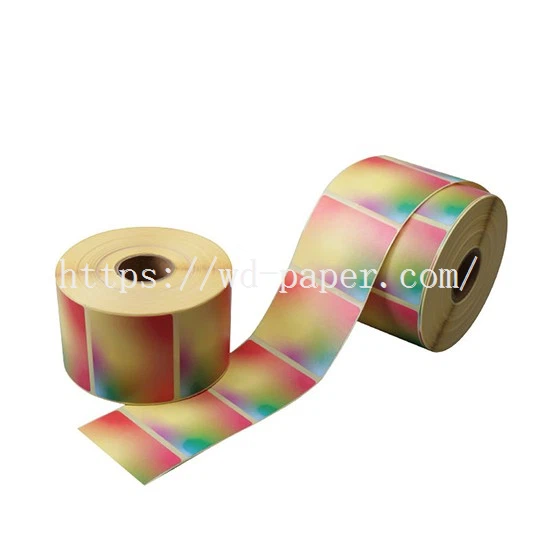
Colored direct thermal labels are specialized self-adhesive labels that produce high-quality, full-color prints without the need for ink, toner, or ribbons. Unlike conventional thermal labels, which typically print in monochrome (black or a single color), this advanced technology uses heat-sensitive paper embedded with multiple layers of color-forming compounds. When exposed to controlled heat from a thermal print head, these compounds react to create vivid, long-lasting hues, enabling the production of labels in a spectrum of colors.
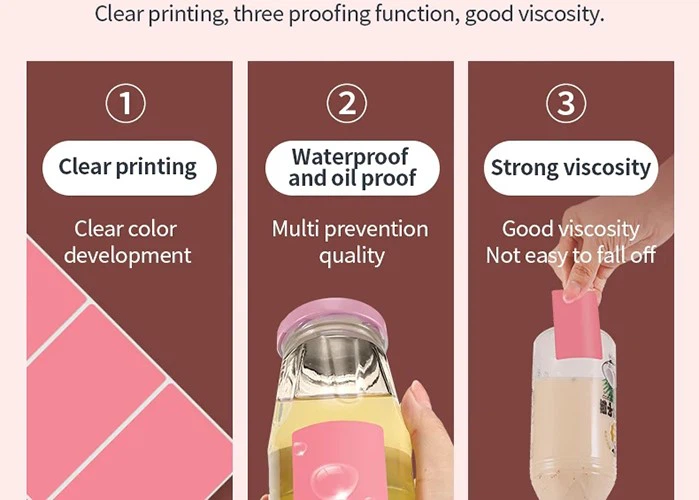

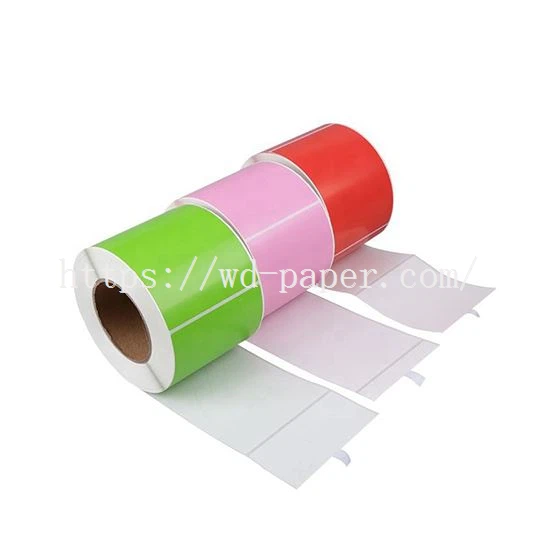
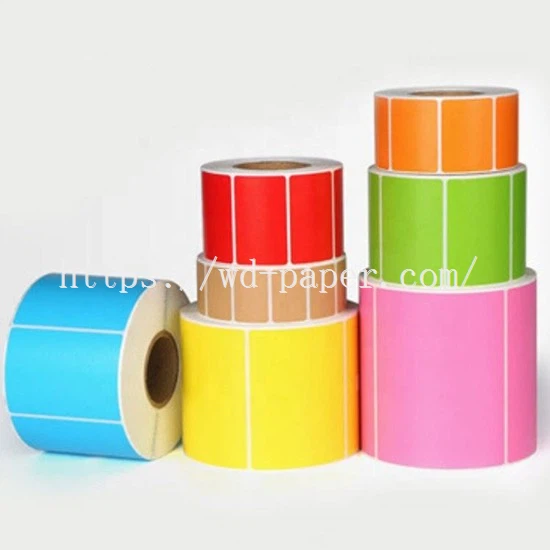
Meanwhile, unlike standard direct thermal labels, which are typically white, colored direct thermal labels come in a range of colors, such as red, yellow, green, blue, or even custom hues. The color can be used for visual coding or branding purposes, helping items stand out or be easily identified.
As businesses prioritize sustainability and seek to stand out in competitive markets, colored direct thermal labels offer a compelling blend of practicality and creativity. Advances in printer technology and material science are expected to expand color accuracy, durability, and affordability, making this solution accessible to even more industries.
The instructions for using colored direct thermal labels
● Storage Conditions
Store the colored direct thermal labels in a cool, dry place away from direct sunlight. The ideal storage temperature range is between 5°C and 35°C, with a relative humidity of 30% to 60%. Avoid exposure to high temperatures, moisture, or chemicals, as these factors can damage the thermal coating on the labels.
● Printer Preparation
Ensure that your direct thermal printer is clean and free of dust or debris. Check the printer's specifications to confirm that it is compatible with colored direct thermal labels. Some printers may require specific settings or firmware updates to properly print on colored labels. Install the labels into the printer according to the printer's user manual. Make sure the labels are properly aligned and that the leading edge of the label is correctly positioned for printing.
● Designing the Label Content
Use a compatible label design software to create your label content. When designing, consider the background color of the colored label and ensure that the text or graphics are clearly visible against it. For example, if the label is dark-colored, use light-colored text to enhance readability. Adjust the print settings in the software to match the characteristics of the colored direct thermal labels. This may include setting the print density, print speed, and label size.
● Printing Process
Before printing a large batch, print a test label to check the print quality and alignment. Verify that the text and graphics are clear, sharp, and correctly positioned on the label. If the test label shows any issues such as smudging, ghosting, or misalignment, adjust the printer settings accordingly. Once the test label is satisfactory, proceed with printing the remaining labels. Monitor the printing process to ensure consistent quality.
Tip
- Are Colored Direct Thermal Labels not the part you are wanting?
-Please check out our website: www.wd-paper.com to see if there are any other products you need!
Enjoy Chat and Email Support below
Hot Tags: colored direct thermal labels, China colored direct thermal labels, Color Thermal Label, Thermal Roll Labels, Thermal Sticker Paper Roll, Paper Label


